Bit depth vs sample rate: which actually matters for sound quality?

Somewhere between the launch of the first 24-bit DAC chips and today's streaming services selling 32-bit/768kHz downloads, the numbers got completely detached from what your ears actually hear. I've had this conversation in listening rooms, at trade shows, and once, memorably, over terrible coffee at a dealer on Johnston Street in Fitzroy where a customer was absolutely convinced that his 32-bit files were twice as good as his 24-bit ones because, well, the number was twice as big.
It isn't. Let me explain why — and what the numbers do mean, because there is a real story here, it's just not the one the marketing copy tells.
What bit depth actually controls
Bit depth determines dynamic range. Each bit contributes roughly 6 dB of dynamic range, so a 16-bit system (your CD, your lossless Spotify stream) delivers around 96 dB of dynamic range. A 24-bit system theoretically offers around 144 dB. That's an enormous number — greater than the dynamic range of any acoustic environment you'll ever sit in, and considerably more than the threshold of pain versus the noise floor of a dead-quiet room.
The practical dynamic range of a well-mastered CD is already wider than most of us will ever use in a domestic setting. The quietest passages on a symphonic recording rarely dip below about 40 dB SPL in most rooms — which means the last 50-odd dB of a 16-bit recording sits below your room's noise floor anyway.
So why does 24-bit matter at all? It matters most during recording and production. Having that headroom when you're tracking live instruments, applying gain, stacking plugins, bouncing stems — that's where the extra bits prevent rounding errors from compounding into audible distortion. By the time the mastered file reaches your ears, you're receiving a signal that benefited from 24-bit precision during its creation. Whether the delivery format is 16-bit or 24-bit is a separate question, and honestly a less consequential one than most people assume.
What sample rate actually controls
Sample rate determines the highest frequency the digital system can reproduce. The Nyquist theorem is unambiguous here: you need a sample rate at least twice the highest frequency you want to capture. At 44.1 kHz (CD standard), you can reproduce frequencies up to 22.05 kHz. Human hearing tops out at roughly 20 kHz for a teenager and rather less for most of us who've spent time in front of loud speakers. 44.1 kHz covers it, with a small buffer.
96 kHz extends that ceiling to 48 kHz. 192 kHz pushes it to 96 kHz. Nobody hears up there. Dogs are unimpressed too, for what it's worth.
The argument for higher sample rates isn't really about ultrasonic content. The genuine engineering case is that higher sample rates push the necessary anti-aliasing filters further out of band — above 20 kHz rather than sitting right at the edge of human hearing — which means those filters can have a more gradual rolloff and introduce less phase shift in the audible range. This is real. Whether it's audible in practice depends heavily on the specific DAC implementation and the quality of its reconstruction filter, not the sample rate in isolation.
Where the myths take hold
The hi-res myth most worth challenging is the idea that higher numbers are unconditionally better. I'll be direct about this: a well-implemented DAC playing a 16-bit/44.1 kHz file will sound better than a poorly designed DAC playing a 24-bit/192 kHz file. The implementation — the analogue output stage, the power supply, the filtering approach, the jitter performance of the clock — matters far more than the format ceiling.
There's also a subtler trap that nobody talks about enough: upsampled content. A lot of what gets sold as "hi-res" is material that was originally recorded, mixed, and mastered at 44.1 or 48 kHz, then converted to 96 or 192 kHz for sale. The extra samples are interpolated, not captured. You're not getting more information; you're getting the same information in a larger file. Some DACs and streamers actually handle native 44.1 kHz material better than 192 kHz conversions of the same source, because they're not running their internals at a clock rate they were optimised for.
The honest answer is: check the provenance of a hi-res file before you pay a premium for it. The Discogs database and liner notes are your friends here. If the recording chain was 44.1 kHz and the master tape is long gone, that 192 kHz download isn't giving you what you think it is.
Noise shaping, dithering, and why 16-bit isn't as limited as it looks
One thing that genuinely surprised me when I first looked at this carefully: a properly dithered and noise-shaped 16-bit file can resolve signal detail below its theoretical noise floor. Dither adds a very small amount of carefully shaped random noise that linearises quantisation distortion — it sounds counterintuitive, but adding a tiny amount of noise makes the system more accurate at low signal levels, not less. The result is that a well-produced 16-bit file has a perceptual resolution that slightly exceeds what the raw maths suggests.
This is why CDs, for all the nostalgia debates, held up for forty years as a genuinely capable format. The format ceiling was never the problem; the mastering decisions (loudness war, anyone?) were.
What a good DAC actually does with the numbers
Modern DAC chips — whether it's an ESS Sabre, an AKM Verita, a Burr-Brown PCM series, or a custom discrete implementation like Chord's pulse-array design — all handle 16-bit and 24-bit input with oversampling that runs the internal processing at rates far higher than the incoming signal anyway. A DAC receiving a 44.1 kHz stream is typically oversampling it to 8x or more internally before converting. The DAC chip isn't running at 44.1 kHz; it's running at 352.8 kHz or higher.
This is worth sitting with for a moment. The gap between a 44.1 kHz input and a 192 kHz input, from the DAC chip's internal perspective, may be much smaller than the headline numbers imply — because both are being upsampled aggressively before conversion.
Where DAC quality does make a real difference is in noise floor, harmonic distortion character, output impedance, and the analogue stage that follows the chip. If you're curious what that actually costs to do well, our guide to the best DACs and network streamers covers the range from sensible entry-level options through to serious standalone units.
The streamer-as-source question
Here's where it gets relevant for how most people actually listen now. If you're running Qobuz or Tidal's lossless tier through a decent network streamer, you're getting 16-bit/44.1 kHz for most of the catalogue and 24-bit/44.1 or 48 kHz for hi-res tracks. The jump from the former to the latter is real but modest. The jump from a lossy 320 kbps stream to lossless 16-bit is considerably more audible than the jump from 16-bit to 24-bit on the same content — yet the marketing emphasis is almost entirely on the latter.
The streamer's clock quality — jitter performance — and how well it isolates the USB or digital output from its own internal noise sources matters more to the end result than whether you're playing back 44.1 or 96 kHz. We've covered the jitter question in some depth elsewhere, but the short version is: a streamer with a clean, low-jitter output feeding a decent DAC will consistently beat an expensive DAC fighting a noisy, jitter-heavy source.
If you're running an all-in-one like the Cambridge Audio CXN100 (check price) or a streaming integrated like the Marantz Model 40n (check price), the internal implementation is doing that source-quality work for you. The format ceiling of 192 kHz or 24-bit is less relevant than how cleanly those boxes convert whatever they're given.
Practical guidance: where to stop chasing numbers
Based on what the engineering actually says, here's where I'd draw sensible lines.
Lossless at 16-bit/44.1 kHz is genuinely sufficient for most music listening. If your DAC and system are good enough, you'll hear everything the recording contains. Upgrading to 24-bit delivery of the same content may or may not be audible — it depends on the specific recording, the specific DAC, and honestly on the room and the listening level. Treat it as a nice-to-have, not a prerequisite.
Sample rates above 96 kHz are largely irrelevant for playback. I know that's a strong statement. But the engineering case for 192 kHz over 96 kHz at the playback stage is thin, and the real-world gains — if any — are system and recording dependent. I'd rather invest in a better analogue output stage or a quieter power supply than in a DAC that boasts 768 kHz capability it will never meaningfully use.
The one exception worth noting: if you're doing any DSP-based room correction or convolution filtering in the digital domain — and if you're serious about loudspeaker performance in real rooms, you should be — running that processing at 96 kHz rather than 44.1 kHz does reduce filter artefacts. That's a legitimate reason to use 96 kHz as an internal processing rate. It's a different argument to "hi-res sounds better."
Speaking of rooms: the untreated bass modes in your listening space will cost you more resolution than any format difference. I've said this before and I'll say it every time the opportunity arises. If you're weighing a hi-res subscription against a couple of acoustic panels for the corner behind your sofa, buy the panels. Our standmount speaker guide gets into room interaction in more detail, and the same principles apply whether you're feeding those speakers lossless or hi-res files.
The numbers on a download page are easy to read. The room your system actually lives in is harder to quantify, and it's where the real sound quality lives.
— Hannah Reid, Loudspeakers & Acoustics Editor
Common questions
- Is 24-bit audio actually better than 16-bit for listening?
- Not necessarily for playback. The audible difference between a well-mastered 16-bit file and its 24-bit equivalent is very small and often depends more on DAC implementation than the format itself. The real benefit of 24-bit is during recording and mixing, where the extra headroom prevents rounding errors from compounding. For playback, lossless 16-bit covers the full dynamic range of any realistic listening environment.
- Does a higher sample rate like 192 kHz sound better than 44.1 kHz?
- The engineering case is weak for most listeners. Higher sample rates push reconstruction filters out of the audible range, which can reduce filter-related phase shift — but whether that's audible depends heavily on the specific DAC's filter design. Most modern DACs oversample internally regardless of the input rate, so the gap narrows further. For DSP processing in the digital domain, 96 kHz is worthwhile; beyond that, the gains are marginal at best.
- How can I tell if a hi-res download is genuinely high-resolution or just upsampled?
- Check the recording and mastering credits. If the original session was recorded at 44.1 or 48 kHz and no high-resolution master exists, a 192 kHz file is simply an interpolated upsample of the original — no new information is present. Tools like Audacity's spectrogram view can show whether any content actually exists above 22 kHz. If the high-frequency shelf is flat and silent, the file wasn't genuinely captured at hi-res rates.

Hi, I'm Hannah. Speakers are my thing — specifically, the conversation between a speaker and the room it's in, which is where most systems are won or lost. I did acoustics at uni and never quite got it out of my system. I'll measure your room's bass response and then gently break the news that the $20,000 speakers aren't the problem, the untreated wall behind your sofa is. Stand-mounts on good stands are criminally underrated and I will die on that hill.
Acoustics background; loudspeaker and room-treatment specialist
More from Hannah Reid
 Open-back headphones on a desk: why the "room" still mattersOpen-back headphones don't seal you off from the room. Here's why your desk, walls and even your monitor are still part of the sound.
- Turntable isolation: why footfall and feedback matter more than the plinthSuspended floors, speaker vibration and footfall do more damage to vinyl playback than plinth material. Here's how to actually isolate a turntable.
 Why your streamer's output stage still shapes the sound at the speakerBits are bits, but the analogue stage after the DAC chip in your streamer still colours what your speakers do. Here's what actually matters.
- Subwoofer size versus number: why two small subs beat one big oneA 10-inch sub in two spots usually beats a 15-inch sub in one. Here's the room-mode maths behind why, and when a single big box still wins.
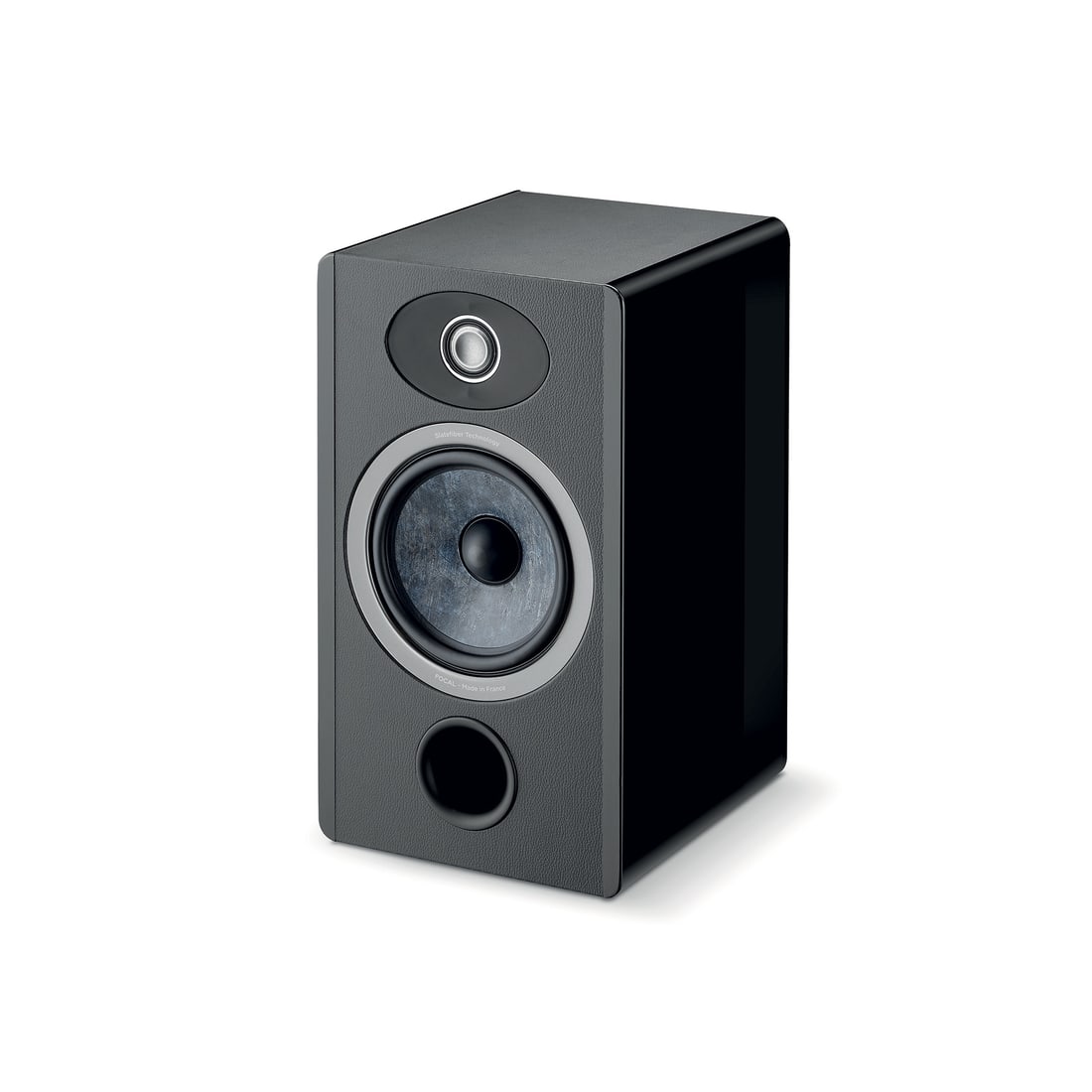 Toe-in angle: the free speaker upgrade nobody bothers measuringToe-in angle changes your speakers' tonal balance and imaging more than most upgrades. Here's how to actually find the right angle for your room.
- Speaker stands and boundary distance: the invisible spec on your spec sheetStand height, mass and distance from walls change a standmount's measured bass and imaging more than most upgrades. Here's how to get it right.