Atmos speaker placement: how to position every channel correctly
Twelve years of installs, and the question I fielded most often wasn't about which AVR to buy or how much subwoofer money to spend. It was: where do I actually put the speakers? Dolby's own documentation runs to dozens of pages, is littered with asterisks, and still manages to leave room for a lot of bad decisions. So let me give you the version I'd give a client who sat across from me in my old Fortitude Valley showroom and said, "Just tell me straight."
This guide covers every speaker position in a standard Dolby Atmos layout — 5.1.2, 5.1.4, 7.1.4, and the full 9.1.4 if you're building a dedicated room. I'll tell you the angles, the heights, the trade-offs when the room doesn't cooperate, and the mistakes I still see installers make. Read it in conjunction with our building a home cinema: the core components guide if you're starting from scratch.
Why placement matters more than you expect with Atmos
Legacy 5.1 and 7.1 is mostly a horizontal plane. Get the angles roughly right, match the speaker sensitivities, run Audyssey or Dirac, done. Atmos adds a vertical dimension, and that changes the game significantly. The renderer is constantly triangulating a 3D position for every audio object — a helicopter, a raindrop, a whisper — and projecting it between the nearest channels. If your heights are too low, too close together, or firing at the wrong angle, the overhead image collapses into a vague smear at ceiling level rather than discrete, moving sound objects above the listening position.
The other thing worth understanding is that Atmos is an object-based format. The mix contains positional metadata — not a fixed channel assignment — so the renderer in your AVR or processor decides which speakers fire and at what level. Placement accuracy feeds directly into the quality of that decision. Bad geometry in, bad immersion out.
The front stage: LCR and the listening triangle
Start here, because everything else references off this. The left and right mains should be at ±22–30° from the primary listening seat, measured horizontally. The centre channel sits on axis. All three should have their tweeters at ear height — seated ear height, which for most Australians in a recliner is around 90–100 cm off the floor.
Screen-behind installs (where the LCR sits behind an acoustically transparent screen) often force the speakers lower than ideal. If your LCR tweeters end up 10–15 cm below ear height, tilt the cabinets upward. Most quality monitor-style cinema speakers have adjustable feet or dedicated wall-mount brackets for exactly this. Don't leave them flat on stands aiming at the wall.
The distance from the screen to the front of the speakers matters too. Dolby recommends the front of the cabinet be no further than 60 cm behind the screen surface — beyond that you start introducing timing and comb-filtering issues even after your AVR's delay compensation does its job. On a large AT screen this can be tight, so plan it in the design phase rather than retrofitting.
Surround channels: the angles almost everyone gets wrong
In a 5.1 layout, the surround left and right should be at 90–110° from the listening position — directly to the side or slightly behind. I walk into rooms constantly where the installer has pushed them to 120° or even 135° because "it fills the room better." It doesn't. At those angles, you've effectively made the surrounds rears, and sounds that should track smoothly from front to side stall and then jump. Keep them between 90° and 110° unless you're running a 7.1 layout, where the surrounds sit at 90–100° and dedicated rear surrounds at 135–150°.
Height is important here too. Dolby's spec is 2–3° above ear level for the surround driver — basically level or barely elevated. A lot of installers ceiling-mount surrounds at full ceiling height (2.4–2.7 m) because it's tidier and avoids in-wall work. That's understandable, but it comes at a cost: at full ceiling height, you're now at 30–40° of elevation, which bleeds into the height layer and softens the horizontal surround image. If you can get them on the side walls between 1.0–1.5 m high, do it.
Overhead heights: the soul of the Atmos experience
This is where people spend the most money and get the least back, purely because of geometry mistakes. Dolby specifies that overhead speakers should be at 30–55° of elevation above the listening position, and that the front pair (Atmos Height Front) should be above or slightly in front of the listening seat — not up near the screen.
In a typical Australian room with 2.4 m ceilings and a listening seat 3.5–4 m from the screen, the front heights should land roughly 1–1.5 m in front of the primary seat when projected onto the ceiling. The rear heights mirror that behind the seat. If you've got a 5.1.2 layout (one pair of heights), Dolby recommends placing them directly overhead — at the listening position. Not toward the screen. Directly above. I cannot tell you how many 5.1.2 rooms I've walked into where both ceiling speakers are crammed near the front wall. That biases all the overhead information forward and makes the room feel front-heavy.
For 5.1.4 and 7.1.4 — four overhead speakers — the geometry becomes a proper rectangle above the listening zone. Front heights forward of the seat, rear heights behind it, all within that 30–55° elevation window. In a 4 m wide room with 2.4 m ceilings, that means front heights around 0.8–1.2 m in front of the seat and rear heights 0.8–1.2 m behind. Measure, mark the ceiling, then decide on in-ceiling versus on-ceiling placement.
Atmos-enabled (upward-firing) speakers: honest assessment
I'll be straight with you: upward-firing Atmos modules work. Not as well as in-ceiling speakers, but they work. Dolby spent considerable engineering effort on the psychoacoustic modelling that predicts ceiling reflection angles, and in a room with a flat, hard ceiling and the right listening distance, they can produce convincing overhead localisation.
The problems come in rooms with coffered or raked ceilings, rooms with heavy acoustic treatment on the ceiling, or rooms where the listening seat is very close to the rear wall (which bounces the reflected signal back early and confuses the image). If your ceiling is 2.7 m or higher, the reflection time increases and the image starts to spread and lose focus. In my experience, 2.4 m flat ceilings are the sweet spot for upward-firers. Higher than that, I'd look hard at in-ceiling options.
One more thing: the upward-firing module needs to be positioned so it's firing at an open ceiling, not under a soffit or eave. Sounds obvious. You'd be amazed.
Wide and top-middle channels: for the full 9.1.4
If you're building a dedicated room with the budget and wall space for nine base channels, Dolby's full reference layout adds wide channels at ±60° (between the mains and the surrounds) and a top-middle pair directly overhead the listening position. The wides particularly help with large-screen presentations — on a 4 m wide screen, the standard ±22–30° mains create a gap in the sound field that pans across without filling. Wides anchor that mid-screen-to-side transition.
Top-middle channels at ±0° elevation overhead are the other addition. They sit between the front and rear height pairs and add a third row of overhead imaging. In a well-designed room, the overhead plane goes from two discrete source points (5.1.2) to a genuine canopy (9.1.4). This is where the format really earns its money on helicopter sequences and large-scale atmospheric soundscapes.
Most people don't need this. Most rooms won't support it cleanly either. The Denon AVR-X3800H (check price) handles up to 9.4-channel processing, and mid-range processors from Marantz and Arcam will do 11-channel configurations if you want to go that far without moving to full separates.
When the room fights back
Real rooms don't cooperate with Dolby's reference geometry. You've got a staircase cutting into the side wall, or the client wants a bar along the left wall, or the raked seating puts the back row 1.5 m higher than the front. I've dealt with all of it.
A few practical rules I've landed on after enough weird rooms to lose count. First, symmetry on the left-right axis matters more than hitting the exact Dolby angle. A 95° surround is better than a 90° surround on one side and a 115° on the other — the AVR's calibration can trim levels and delays, but it can't fix asymmetric imaging caused by mismatched geometry. Second, when you can't hit the elevation targets for heights because of architectural constraints, err toward higher elevation rather than lower — a ceiling speaker at 65° above the listener is preferable to one at 15°, because the latter merges perceptually with the side surrounds. Third, the primary listening seat matters, not the whole room. Optimise the geometry for where most people sit most of the time.
Room acoustics are the other thing that can destroy perfect placement. I've said it before and I'll keep saying it: a badly treated room with textbook-perfect speaker positions will still sound poor. If you're serious about this, pair the placement work with basic broadband absorption at the side walls and a cloud panel or two above the listening position. It will do more for your Atmos experience than upgrading from a 5.1.4 to a 7.1.4 layout.
For those still in the planning phase, our home cinema build guide walks through the room design decisions that need to happen before speakers go on the wall. And if you're trying to figure out which subwoofer to pair with the system, the SVS SB-3000 review (check price) is worth reading — it's been in a lot of rooms I've commissioned and it performs well beyond its price.
The calibration step that ties it all together
Even with perfect placement, run room correction. Audyssey MultEQ XT32 (in most Denon and Marantz AVRs), YPAO Reflected Sound Control (Yamaha), or Dirac Live if your processor supports it. These tools measure actual acoustic conditions at the listening position and apply filters that compensate for room modes, reflection timing, and level differences between channels. Placement gets you 70% of the way. Calibration gets you the rest.
One thing calibration cannot fix: a speaker aimed at the wrong wall. Get the geometry right first, then run the mic. If you do it the other way — throw speakers roughly in position and trust Audyssey to sort it out — you'll get a mediocre result and wonder why your $8,000 Atmos system sounds like a decent soundbar.
The geometry is the foundation. The calibration is the finish. In my experience, the rooms that disappoint are almost always the ones where someone skipped the first step.
— Jonno Fraser, Home Cinema & Custom Install Editor
Common questions
- How many Atmos height speakers do I actually need for a good overhead experience?
- Four overhead speakers (a 5.1.4 or 7.1.4 layout) make a meaningful difference over two. With two heights, overhead imaging is limited to a single point above the listener. Four create a proper front-to-back overhead plane, which is where Atmos really shows what it can do on well-mixed content. If budget or ceiling constraints force a choice, prioritise a dedicated pair of in-ceiling heights over upward-firing modules.
- Can I use the same speakers for surrounds and Atmos heights?
- Yes, as long as they're reasonably matched in sensitivity and tonal character to your mains. Full-range matching isn't strictly necessary for height channels — your AVR will crossover-manage the bass — but using wildly different speaker types between layers can cause the overhead image to feel disconnected from the rest of the soundfield. Identical or closely related speakers from the same manufacturer's range will give the most coherent result.
- What's the minimum ceiling height for Atmos to work properly?
- Dolby doesn't publish a hard floor, but in practice you want at least 2.3 m to achieve the 30–55° elevation window for ceiling speakers with a realistic listening seat position. Rooms below 2.2 m make it difficult to separate the height layer perceptually from the surround layer, and the overhead image tends to feel low and compressed. If you're working with a low ceiling, in-ceiling placement close to the listening position (maximising the elevation angle) is preferable to speakers mounted further away at a shallow angle.
- Should I place surrounds at ear height or higher on the wall?
- For dedicated surround channels in a 5.1 or 7.1 layout, Dolby recommends 2–3° above ear level — essentially side-wall mounted between roughly 1.0–1.5 m high depending on your seated ear height. Ceiling-mounting surrounds at 2.4 m puts them at 30–40° of elevation, which bleeds into the height layer and blurs the boundary between surround and overhead information. Lower is better for the horizontal layer.

G'day, Jonno here. I spent the better part of twelve years as a custom installer building theatres — everything from a media room squeezed into a Queenslander to a fully blacked-out, acoustically-treated cinema with a hundred grand of gear behind the screen. The thing nobody tells you is that the room matters more than the boxes, and I'll bang on about acoustics until you're sick of me. If you're planning a theatre, talk to me before you spend a cent on speakers.
Ex CEDIA-trained installer; dedicated-theatre and Atmos specialist
More from Jonno Fraser
 AWOL Vision Aetherion Max and Pro: A Serious UST Challenge to Hisense and the Laser TV Status QuoAWOL Vision's new Aetherion Max and Pro UST projectors bring tri-laser DLP, Dolby Vision Gaming and 240Hz to the laser TV fight. Here's what AU buyers need to know.
 Hisense debuts a 6,000-lumen tri-laser 4K flagship and a pro-grade UST at CES 2026Hisense unveiled the XR10 long-throw and PX4-Pro UST at CES 2026, pushing its TriChroma RGB laser line further than ever. Here's what AU buyers need to know.
 BenQ W5850 Review: Laser Phosphor 4K for the Dedicated Cinema RoomBenQ's W5850 brings laser/phosphor to the W5800 formula at US$6,999. Is the step up worth it for serious Australian cinema rooms?
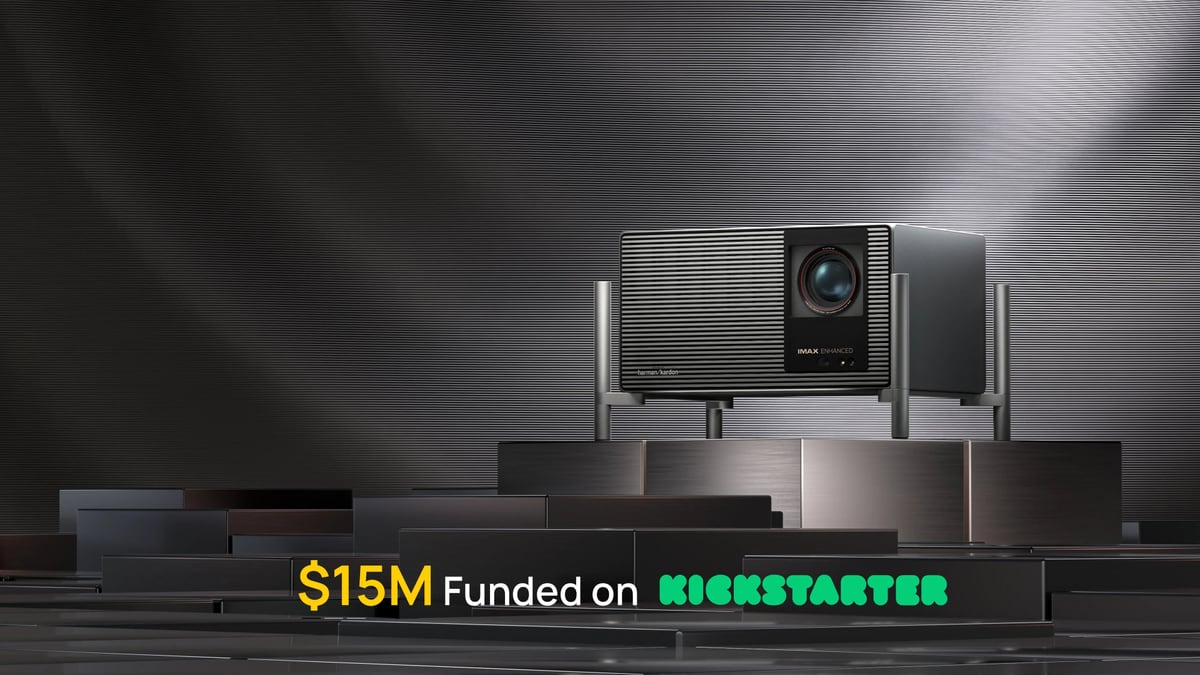 XGIMI TITAN Noir Max headlines its CES 2026 lineup with a dual-iris contrast systemXGIMI's TITAN Noir Max debuts at CES 2026 with RGB triple-laser, a dual-iris contrast system and up to 100,000:1 dynamic contrast. Here's what AU buyers need to know.
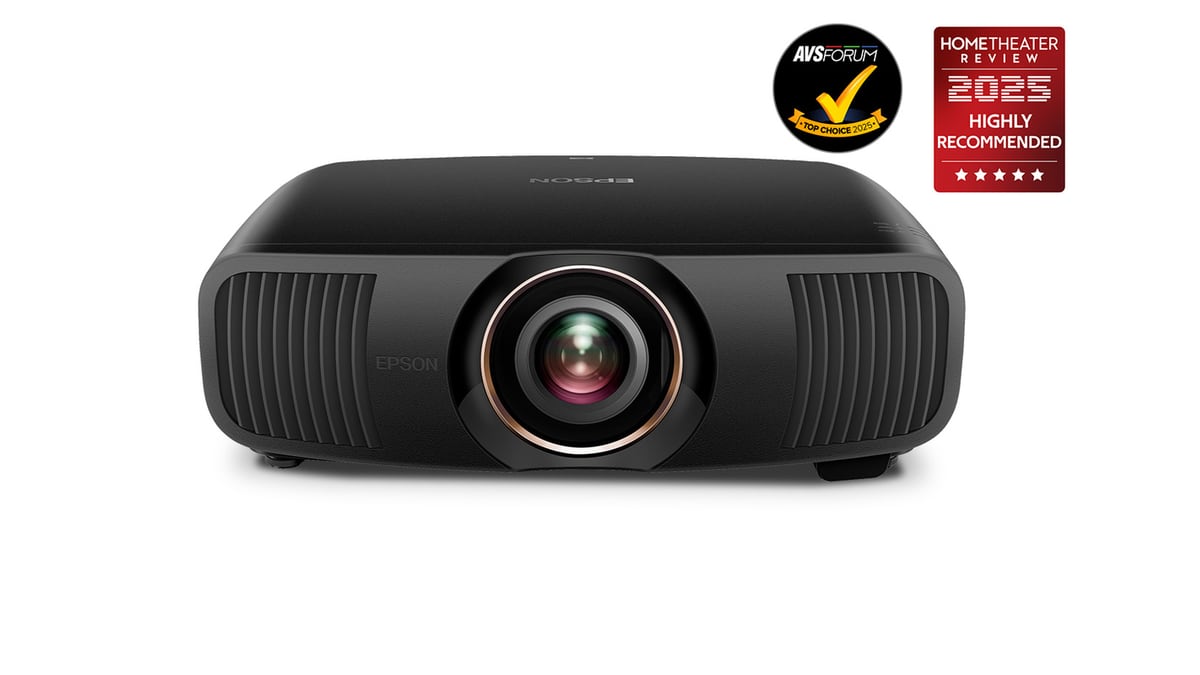 Epson QB1000 review: the sub-$12k laser cinema benchmark arrives in AustraliaEpson's Q-series flagship QB1000 is now established in Australia at AUD $11,900. We dig into whether it truly resets the benchmark below $12k.
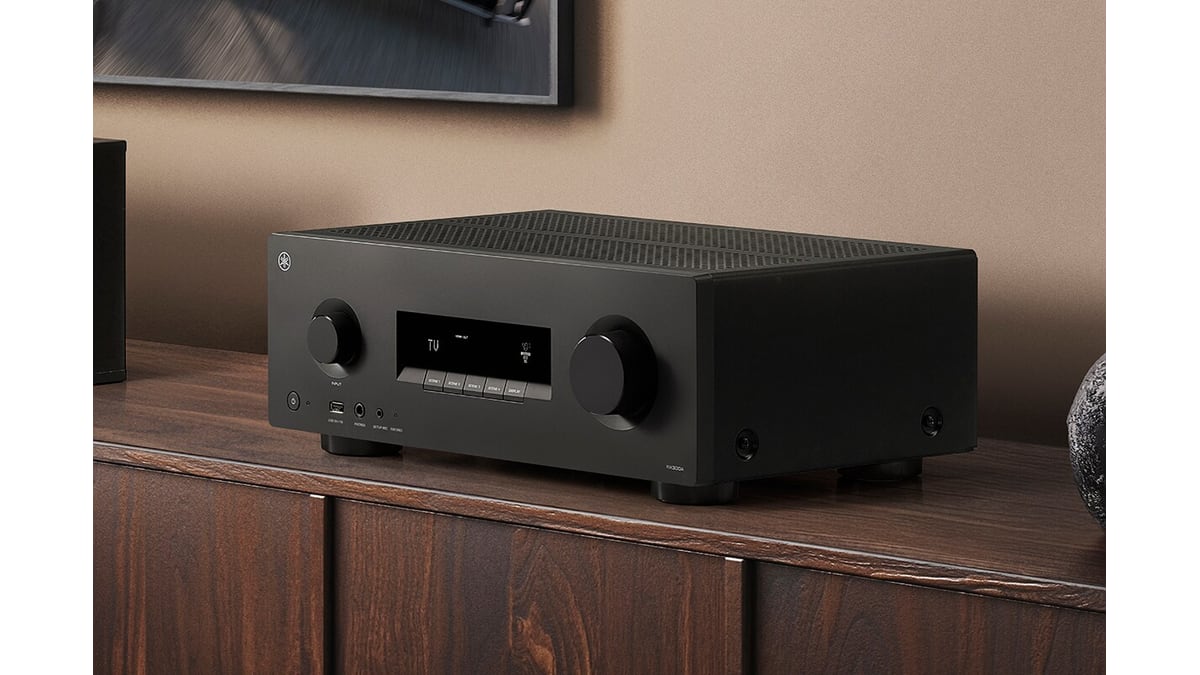 Yamaha trickles AVENTAGE anti-resonance tech into budget RX300A and RX500A receiversYamaha's new entry-level RX300A and RX500A AV receivers inherit the flagship AVENTAGE A.R.T. Wedge — a rare and meaningful trickle-down at under $600 USD.